Planning programs before coding
Students start the year mapping out programs before they write any code. They sketch flowcharts, write step-by-step plans in plain language, and break big problems into smaller pieces.
This is the stretch when students go from following code to building their own small programs. Students plan with flowcharts, write code with named variables and reusable chunks, then test it and fix what breaks. They also dig into how the internet moves data, how to keep passwords and personal info safe, and how technology choices affect real people. By spring, students can build a working program with a partner, explain what each part does, and talk through the privacy tradeoffs of an app they use.
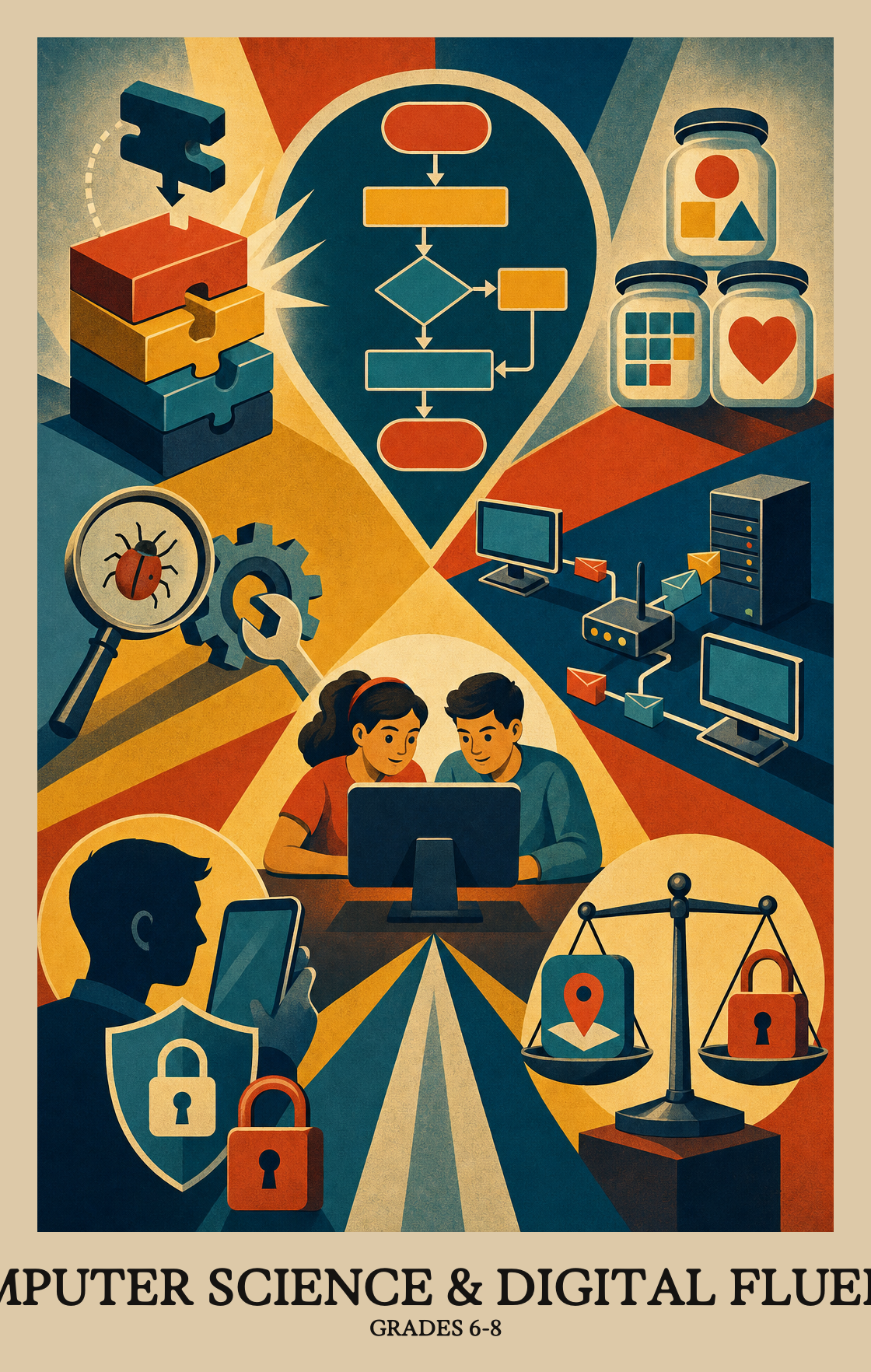
Students start the year mapping out programs before they write any code. They sketch flowcharts, write step-by-step plans in plain language, and break big problems into smaller pieces.
Students build real programs using variables, loops, and if-then rules that check more than one condition at a time. They test their work with different inputs, fix what breaks, and write notes so others can read the code later.
Students learn to write small chunks of code they can use again, and pull in outside code or art with credit to the creator. They split tasks across a team, keep a timeline, and trade feedback to improve the final product.
Students connect physical devices to software to collect data, then show that data in charts and tables. They also model how messages travel across the internet and practice basic security habits like protecting passwords and private information.
Students step back and look at the bigger picture. They compare how different tools affect daily life and jobs, talk about who gets left out when technology is poorly designed, and weigh what should stay private versus public online.
Students sketch out a plan for solving a problem before writing any code, using diagrams or plain written steps. The plan shows the order of decisions and actions so the logic is clear before programming begins.
Students learn to label and store information inside a program, like saving a score or a name, then write instructions that change or use that stored information.
Students write programs that use if/then rules, loops, and multiple conditions together, like "if it's raining and cold, bring a jacket." They test and revise the code until it works the way they intended.
Students break a big coding problem into smaller pieces so each part is easier to write, test, and fix.
Students learn to write reusable blocks of code that accept inputs, so the same instructions can handle different situations without rewriting them from scratch.
Students revise a program based on feedback from teammates and the people who will actually use it, then check whether the updated version solves the original problem.
Students use pre-built code or media that others have created, add it to their own program, and credit the original source. It's the coding version of citing a source in an essay.
Students run their program with different inputs, including unusual or unexpected ones, to find and fix bugs before calling the work done.
Students divide up the work and track deadlines when building a program or project as a team. Think of it like assigning roles before a group presentation, then checking that everyone finishes on time.
Students learn to add notes and explanations inside their code so that anyone reading it later can understand what each part does and why.
| Standard | Definition | Code |
|---|---|---|
| Planning algorithms with flowcharts and pseudocode Grades 6-8 | Students sketch out a plan for solving a problem before writing any code, using diagrams or plain written steps. The plan shows the order of decisions and actions so the logic is clear before programming begins. | CA-6-8.AP.10 |
| Storing and changing data in variables Grades 6-8 | Students learn to label and store information inside a program, like saving a score or a name, then write instructions that change or use that stored information. | CA-6-8.AP.11 |
| Loops and conditions working together Grades 6-8 | Students write programs that use if/then rules, loops, and multiple conditions together, like "if it's raining and cold, bring a jacket." They test and revise the code until it works the way they intended. | CA-6-8.AP.12 |
| Breaking big problems into smaller steps Grades 6-8 | Students break a big coding problem into smaller pieces so each part is easier to write, test, and fix. | CA-6-8.AP.13 |
| Reusable code with parameters Grades 6-8 | Students learn to write reusable blocks of code that accept inputs, so the same instructions can handle different situations without rewriting them from scratch. | CA-6-8.AP.14 |
| Getting feedback to improve your program Grades 6-8 | Students revise a program based on feedback from teammates and the people who will actually use it, then check whether the updated version solves the original problem. | CA-6-8.AP.15 |
| Using code and media others made Grades 6-8 | Students use pre-built code or media that others have created, add it to their own program, and credit the original source. It's the coding version of citing a source in an essay. | CA-6-8.AP.16 |
| Testing and fixing programs that break Grades 6-8 | Students run their program with different inputs, including unusual or unexpected ones, to find and fix bugs before calling the work done. | CA-6-8.AP.17 |
| Group coding with deadlines Grades 6-8 | Students divide up the work and track deadlines when building a program or project as a team. Think of it like assigning roles before a group presentation, then checking that everyone finishes on time. | CA-6-8.AP.18 |
| Commenting and documenting your code Grades 6-8 | Students learn to add notes and explanations inside their code so that anyone reading it later can understand what each part does and why. | CA-6-8.AP.19 |
Students think through how a device (a phone, a keyboard, a screen) could work better for different people, then sketch or describe changes that would make it easier to use.
Students plan and build a project that uses physical parts (like sensors or buttons) alongside software to gather information and share it with another device or program.
Students learn to diagnose and fix common computer problems by working through them in a logical order, like checking the simplest cause first before moving to harder ones. This applies to both physical devices and the software running on them.
| Standard | Definition | Code |
|---|---|---|
| Redesigning devices for better use Grades 6-8 | Students think through how a device (a phone, a keyboard, a screen) could work better for different people, then sketch or describe changes that would make it easier to use. | CA-6-8.CS.1 |
| Build a device that collects and shares data Grades 6-8 | Students plan and build a project that uses physical parts (like sensors or buttons) alongside software to gather information and share it with another device or program. | CA-6-8.CS.2 |
| Fixing hardware and software problems Grades 6-8 | Students learn to diagnose and fix common computer problems by working through them in a logical order, like checking the simplest cause first before moving to harder ones. This applies to both physical devices and the software running on them. | CA-6-8.CS.3 |
Students take the same information and show it in more than one form, such as turning a list of numbers into a bar graph or a table. The goal is to see which format makes the data easiest to understand.
Students gather information using apps, spreadsheets, or sensors, then clean or reorganize that data so it's easier to read and use. The focus is on turning raw numbers into something that actually makes sense.
Students change one variable at a time in a computer simulation and watch what shifts in the results. This shows them how scientists and engineers use models to test ideas before trying them in the real world.
| Standard | Definition | Code |
|---|---|---|
| Showing data in charts, tables, and graphs Grades 6-8 | Students take the same information and show it in more than one form, such as turning a list of numbers into a bar graph or a table. The goal is to see which format makes the data easiest to understand. | CA-6-8.DA.7 |
| Collect and clean data with digital tools Grades 6-8 | Students gather information using apps, spreadsheets, or sensors, then clean or reorganize that data so it's easier to read and use. The focus is on turning raw numbers into something that actually makes sense. | CA-6-8.DA.8 |
| Changing variables in a computer model Grades 6-8 | Students change one variable at a time in a computer simulation and watch what shifts in the results. This shows them how scientists and engineers use models to test ideas before trying them in the real world. | CA-6-8.DA.9 |
Students weigh the pros and cons of computing tools, like how automation can make some jobs easier while making others disappear. They look at how those same tools shape what careers are available and what daily tasks look like.
Students look at real apps, websites, or devices and ask who they might leave out or treat unfairly. They practice spotting design choices that make technology harder to use for some people than others.
Students work with others to build something digital together, like a shared app, game, or website. Collaboration means each person contributes ideas or code, and the final product reflects the whole group's work.
Students compare different software and creative licenses to see what creators can protect and what others are allowed to copy, change, or share. They learn that giving up some control can help more people use and improve the work.
Students weigh what gets shared online against what stays private. They look at real tradeoffs: who can see your location, your photos, or your accounts, and what you give up either way.
| Standard | Definition | Code |
|---|---|---|
| How technology choices shape daily life and work Grades 6-8 | Students weigh the pros and cons of computing tools, like how automation can make some jobs easier while making others disappear. They look at how those same tools shape what careers are available and what daily tasks look like. | CA-6-8.IC.20 |
| Bias and accessibility in tech design Grades 6-8 | Students look at real apps, websites, or devices and ask who they might leave out or treat unfairly. They practice spotting design choices that make technology harder to use for some people than others. | CA-6-8.IC.21 |
| Working with others to build something digital Grades 6-8 | Students work with others to build something digital together, like a shared app, game, or website. Collaboration means each person contributes ideas or code, and the final product reflects the whole group's work. | CA-6-8.IC.22 |
| Software licenses: who owns what you create Grades 6-8 | Students compare different software and creative licenses to see what creators can protect and what others are allowed to copy, change, or share. They learn that giving up some control can help more people use and improve the work. | CA-6-8.IC.23 |
| Public vs. private information tradeoffs Grades 6-8 | Students weigh what gets shared online against what stays private. They look at real tradeoffs: who can see your location, your photos, or your accounts, and what you give up either way. | CA-6-8.IC.24 |
Students learn how computers follow shared rules (called protocols) to send and receive data reliably across a network. Think of it like a postal system: every message needs a format and address both sides agree on before anything gets delivered.
Students learn what can go wrong when information travels online and what protections, like passwords and encryption, help keep data safe.
Students practice keeping data safe as it travels across a network. They use more than one method, like passwords and encryption, to show how information can be sent without someone else reading it.
| Standard | Definition | Code |
|---|---|---|
| How data moves across networks Grades 6-8 | Students learn how computers follow shared rules (called protocols) to send and receive data reliably across a network. Think of it like a postal system: every message needs a format and address both sides agree on before anything gets delivered. | CA-6-8.NI.4 |
| Keeping data safe from online threats Grades 6-8 | Students learn what can go wrong when information travels online and what protections, like passwords and encryption, help keep data safe. | CA-6-8.NI.5 |
| Keeping data safe when it travels online Grades 6-8 | Students practice keeping data safe as it travels across a network. They use more than one method, like passwords and encryption, to show how information can be sent without someone else reading it. | CA-6-8.NI.6 |
Students learn to write small programs, break big problems into smaller steps, and think about how the internet keeps information safe. They also look at how technology affects daily life, including who it works well for and who it leaves out.
No. Most students start middle school with very different coding backgrounds, and the work begins with planning steps on paper before any typing. A student who can follow a recipe or give clear directions already has the thinking skills needed to start.
Ask students to explain what their program is supposed to do, then ask what happens when it breaks. Talking through the steps out loud is how programmers find bugs, and a parent who asks good questions is more useful than one who knows the answer.
Most teachers anchor the year in programming and weave the other strands into those projects. A data project can cover collecting and charting numbers, a game can cover variables and testing, and a class discussion about an app can cover privacy and bias.
Variables and conditions trip students up the most, especially when a program uses two or three conditions together. Plan to revisit these every few weeks in new contexts rather than teaching them once and moving on.
Coding practice is active work, closer to solving a puzzle than watching a video. Twenty minutes of building or debugging a small project at home goes further than an hour of tutorials.
Ask each student to keep a short log of what they worked on, what they tested, and what feedback they gave a teammate. Grading the log alongside the final project rewards the planning and teamwork the standards actually ask for.
Students should be able to explain why a strong password matters, what kinds of information are risky to share, and the tradeoffs of making something public. A short conversation at home about app permissions counts as practice.
By spring, a ready student can plan a program with a flowchart, write it using variables and conditions, test it with a few different inputs, and explain what each part does. They can also work on a shared project without one person doing all the coding.