Coming up with ideas
Students start the year by playing with ideas for pictures, videos, and sounds. They sketch, talk through plans, and pick what they want to make.
This is the year students start using tools like cameras, tablets, and simple recording apps to tell their own stories. Students come up with an idea, put pictures and sounds together, and share what they made with the class. They also talk about videos, photos, and shows they see, and notice why the maker chose certain parts. By spring, students can plan a short media project, finish it with help, and explain what it means.
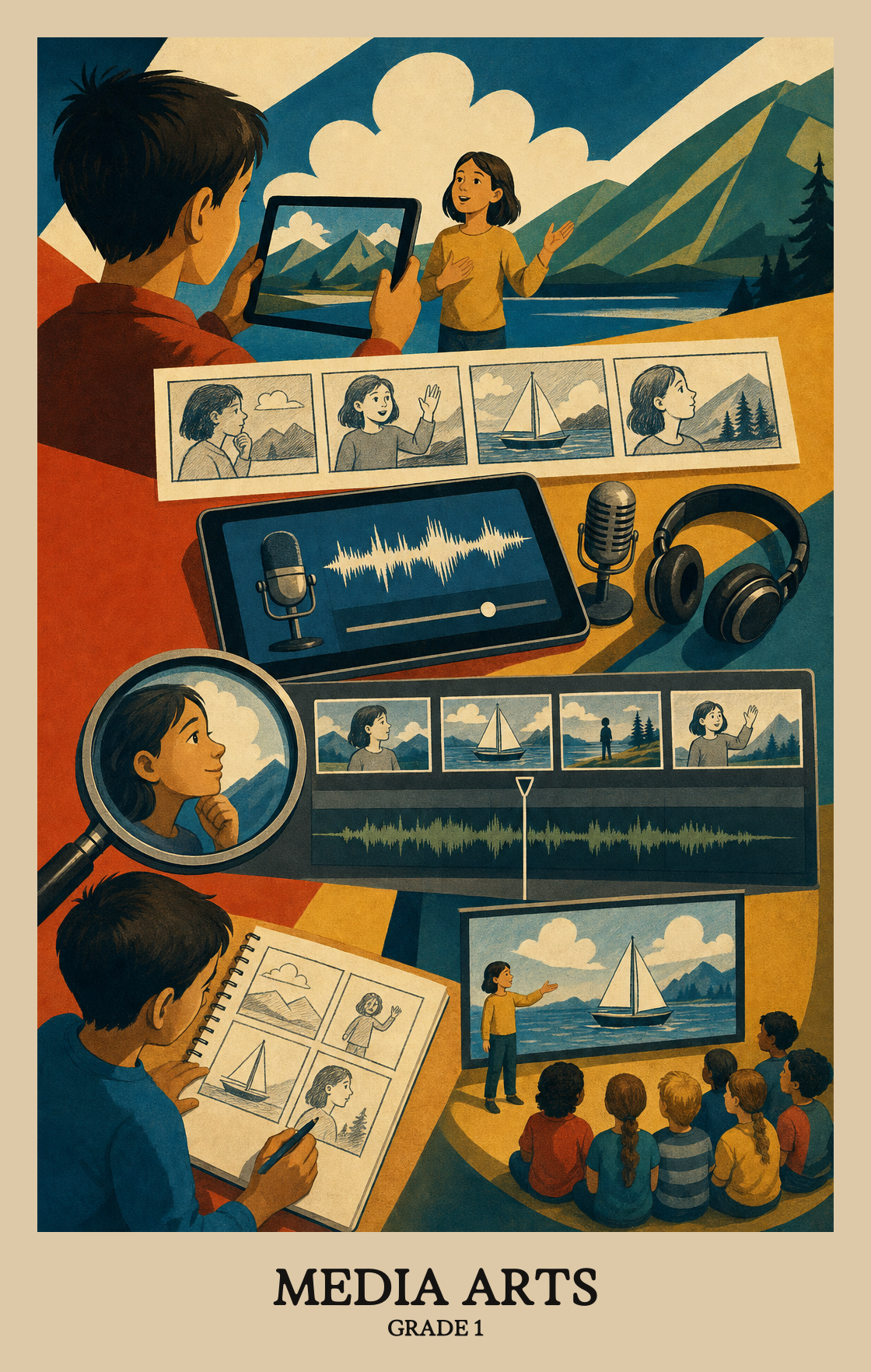
Students start the year by playing with ideas for pictures, videos, and sounds. They sketch, talk through plans, and pick what they want to make.
Students put their ideas together using tools like cameras, drawing apps, or recorders. They learn to arrange pieces, fix small problems, and finish what they start.
Students get their projects ready for an audience. They choose what to show, practice presenting, and think about how to make the message clear.
Students watch and listen closely to videos, pictures, and sounds made by others. They talk about what they notice, what the maker meant, and what makes a project work.
Students tie their projects to family stories, school events, and things they see around them. They learn that media art comes from real people in real places.
Students connect what they know from everyday life to the media art they make. A memory, a feeling, or something they've noticed at home can become the starting point for a project.
Students look at a photo, video, or drawing and talk about where it came from, who made it, and why. Connecting a piece of media to real life helps students understand what it means.
| Standard | Definition | Code |
|---|---|---|
| Making art from what you know | Students connect what they know from everyday life to the media art they make. A memory, a feeling, or something they've noticed at home can become the starting point for a project. | MA:Cn10.1 |
| Art from different times and places | Students look at a photo, video, or drawing and talk about where it came from, who made it, and why. Connecting a piece of media to real life helps students understand what it means. | MA:Cn11.1 |
Students come up with ideas for media art projects, like a short video, a photo, or a simple animation. They start to plan what they want to make and why.
Students pick a story or idea they want to share, then choose images, sounds, or simple digital tools to bring it to life. The focus is on making choices and putting the pieces together.
Students look back at a media project they started, make changes to improve it, and finish it.
| Standard | Definition | Code |
|---|---|---|
| Coming up with ideas for media art | Students come up with ideas for media art projects, like a short video, a photo, or a simple animation. They start to plan what they want to make and why. | MA:Cr1.1 |
| Putting an art idea together | Students pick a story or idea they want to share, then choose images, sounds, or simple digital tools to bring it to life. The focus is on making choices and putting the pieces together. | MA:Cr2.1 |
| Finish and improve your art | Students look back at a media project they started, make changes to improve it, and finish it. | MA:Cr3.1 |
Students pick a piece of their own media work to share with an audience and explain why they chose it.
Students practice and improve a media project (like a photo, video, or digital drawing) until it is ready to share with an audience.
Students share a drawing, photo, or short video and explain what they wanted it to say or show. The goal is for the audience to understand what the student meant.
| Standard | Definition | Code |
|---|---|---|
| Choosing art to share with others | Students pick a piece of their own media work to share with an audience and explain why they chose it. | MA:Pr4.1 |
| Practicing art before sharing it | Students practice and improve a media project (like a photo, video, or digital drawing) until it is ready to share with an audience. | MA:Pr5.1 |
| Share art and explain what it means | Students share a drawing, photo, or short video and explain what they wanted it to say or show. The goal is for the audience to understand what the student meant. | MA:Pr6.1 |
Students look at media art like photos, videos, or simple animations and describe what they notice. They start to explain why certain images or sounds catch their attention.
Students look at a photo, video, or digital image and explain what they think the creator was trying to say. They put their ideas into words.
Students look at a piece of media art and decide what they like or think works well, giving a reason for their choice.
| Standard | Definition | Code |
|---|---|---|
| Noticing what makes art interesting | Students look at media art like photos, videos, or simple animations and describe what they notice. They start to explain why certain images or sounds catch their attention. | MA:Re7.1 |
| What art is trying to say | Students look at a photo, video, or digital image and explain what they think the creator was trying to say. They put their ideas into words. | MA:Re8.1 |
| Deciding if art is working | Students look at a piece of media art and decide what they like or think works well, giving a reason for their choice. | MA:Re9.1 |
Media arts means making things with cameras, microphones, drawings on a tablet, and simple animation or video tools. Students try out short projects like a photo story, a stop-motion clip, or a recorded sound to share an idea.
Hand over a phone or tablet for ten minutes and ask students to take three photos that tell a small story, like getting ready for dinner. Then talk about which picture works best and why. That short back-and-forth builds the same thinking the class is doing.
No. A basic camera app, a free drawing app, and a voice recorder cover almost everything at this age. The point is getting students to plan a small idea and share it, not to learn complicated software.
Start with single images and short sound clips so students learn to plan one idea at a time. Move into two- or three-image stories midyear, then small stop-motion or recorded narration projects by spring. Build in time to revise one project rather than always starting a new one.
Students can come up with an idea, make a short media piece, and say what they were trying to show. They can also look at a classmate's work and point to one thing that worked and one thing they would change.
Give a tight prompt instead of a blank screen. Ask for a photo of something red, a recording of a favorite word, or a drawing of a pet. Once students make the first small thing, the next idea comes more easily.
First graders learn a lot by noticing what other artists chose to do. Looking at a short cartoon, a song, or a picture book and asking what feeling it gives them builds the habit of paying attention on purpose. That habit shows up later in their own projects.
Regular art focuses on drawing, painting, and building with hands-on materials. Media arts focuses on images, sound, and short videos made with devices. The two overlap often, since a drawing can be photographed, animated, or paired with a recorded voice.